Bootloader
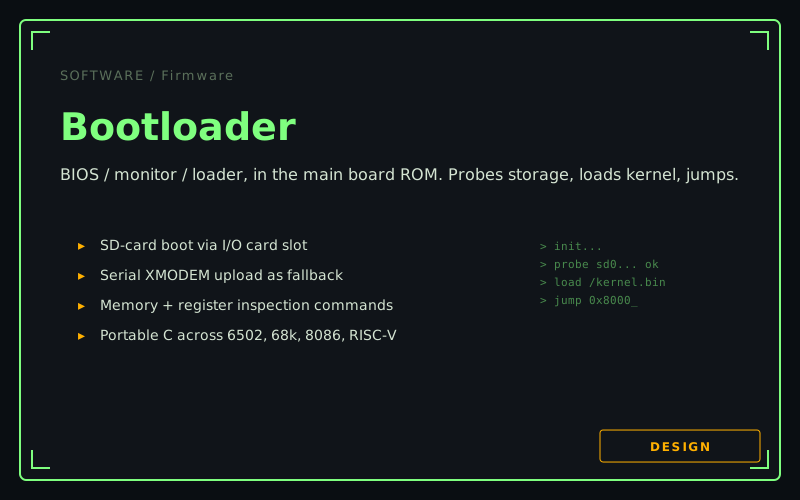
The boot ROM firmware that lives on every Retro-Active main board: probe storage, load the kernel, jump. Plus a serial monitor for when the kernel won't load.
Components
- Portable C source (compiles for 6502, 68000, 8086, RISC-V via GCC backends)
- Targets 8 KB ROM minimum; comfortable in 32 KB
- SD-card / FAT32 read driver (linked from the driver library)
- Serial console with command set
- XMODEM upload as fallback when no storage works
Links
The firmware in the boot ROM of every Retro-Active main board. Brings the system up at power-on, finds something bootable on the I/O card, loads a kernel image into RAM, and hands control over.
Status: design phase, with the existing FemtoRV monitor as the reference implementation to port.
What it does at boot
Boot sequence, in order:
- CPU init — vector table, stack pointer, simple memory-clear pass.
- Probe slots — walk the IO region, read each slot’s identification register, build a list of “what’s plugged in.” This is also the system’s first taste of slot-card discovery.
- Probe storage — find an I/O card, bring up its SD/FAT32 driver, look for
/kernel.bin(or/boot.cfgpointing at it). - Load kernel — read the kernel image from SD into RAM at the configured load address.
- Jump — set up minimal kernel arguments (boot params block: detected slot map, RAM size, console UART address) and jump.
If anything in steps 2–5 fails — no SD card, no kernel image, kernel image fails its checksum — the bootloader drops into:
The serial monitor
A small command-line interpreter on the I/O card’s UART. Inspired by the FemtoRV monitor; the command set is intentionally minimal:
| Command | What it does |
|---|---|
H | Help |
D <addr> <len> | Hex-dump memory |
E <addr> | Edit memory (interactive) |
S <slot> | Read slot’s identification + status registers |
L | Receive a kernel image via XMODEM, store at the kernel-load address |
G [<addr>] | Go (jump to addr, or to the loaded kernel) |
M | Memory map |
B | Reboot |
This is what saves you when the kernel won’t load. It’s also the bring-up tool when you’ve just plugged in a new card and want to poke its registers without writing software.
Portable C
The bootloader is one C source tree. It compiles against four GCC backends:
cc65for 6502 (orllvm-mosfor the more aggressive optimizer)m68k-elf-gccfor 68000i386-elf-gccfor 8086 (real mode)riscv32-unknown-elf-gccfor RISC-V soft cores
Each target gets a tiny CPU-specific bring-up file (vector table, reset handler, register save/restore for the monitor’s exception handler). Everything else — the SD driver, the FAT32 reader, the XMODEM, the command parser — is portable.
The 6502 case is tightest. cc65’s calling convention burns RAM for the parameter stack; the bootloader has to be careful about depth and avoid recursion. 8 KB is realistic; 4 KB is a stretch.
Boot configuration
/boot.cfg on the SD card is plain text. Example:
kernel=/kernel.bin
load=0x8000
args=video=slot5 audio=slot7 io=slot1
The kernel finds its argument string in a fixed memory location (above the kernel-load region) and parses it. Driver-binding decisions are made there.
Dependencies
- A main board with a boot ROM socket and at least one I/O card slot
- Driver library entries for SD/FAT32 and UART (the bootloader needs these even before the kernel exists)
- A kernel image to load (either the microkernel + single-user OS or whatever the user wants to boot)
Next steps
- Port the FemtoRV monitor commands to portable C, factor out the cc65/m68k-specific assembly.
- Hook in the FAT32 reader from the existing RetroKernel.
- Define the kernel-load image format (header magic, length, checksum, entry point).
- Define the boot-args block format.
- First-light testing on a 6502 main board.
Contributions wanted: anyone who’s written a small monitor before, reviewers for the boot-args format, anyone with strong opinions about what command set the monitor should expose.